「なんか思ってたのと違う…」を卒業しよう
この記事でわかること
- プロンプトの基本構造と考え方
- 用途別の具体的なプロンプト例
- 「こう書けばこうなる」実践テンプレート
画像生成AI、難しくない?
「AIで画像作れるらしい」→ 試してみる → 「なんか違う…」
これ、あるあるだよね。
でもね、画像生成AIが思い通りにならない理由って実はシンプルで——
「言語化が足りない」だけなんだよね。
AIは超優秀なんだけど、エスパーじゃない。「かわいい猫」って言われても、どんな猫?どんなシチュエーション?どんな雰囲気?ってなる。
逆に言えば、ちゃんと言葉で伝えれば、ちゃんと作ってくれる。
プロンプトの基本構造
まず、プロンプトには「型」がある。これを押さえるだけで精度が爆上がりする。
基本フォーマット
[被写体] + [シチュエーション] + [スタイル] + [雰囲気/ライティング] + [その他の指定]具体例
❌ 悪い例
かわいい猫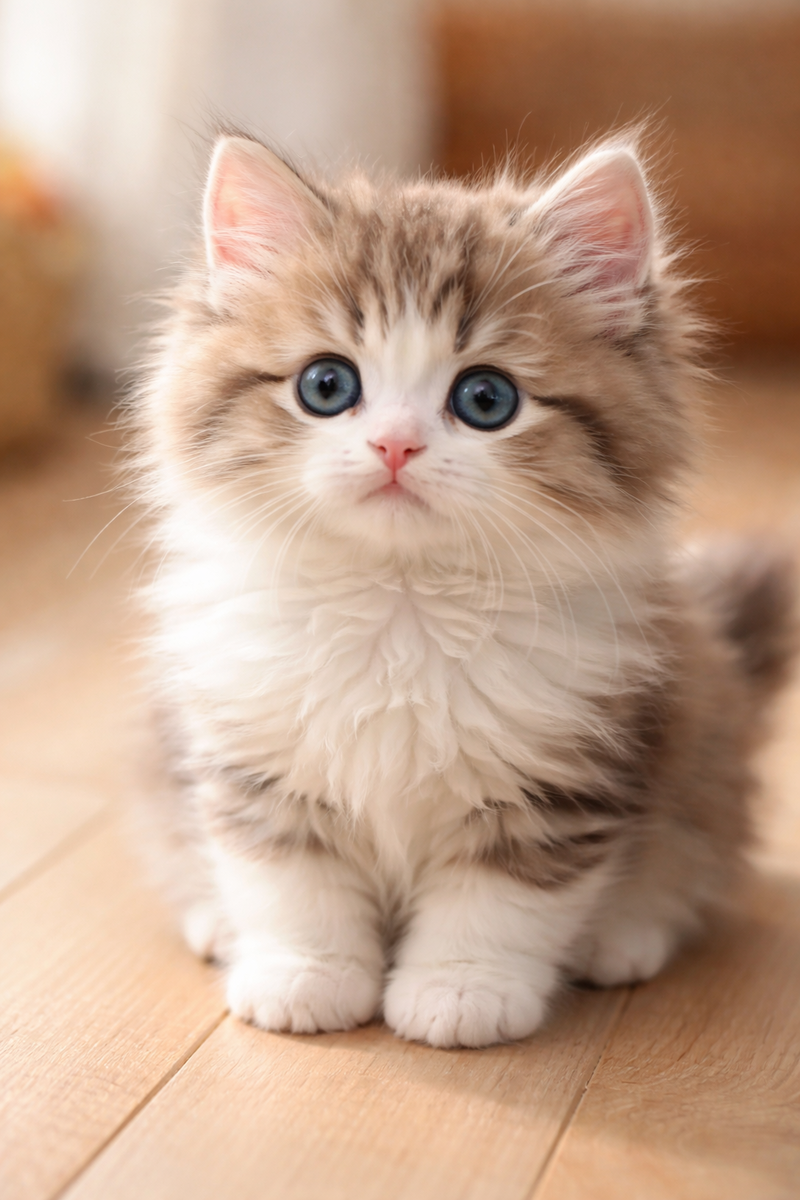
✅ 良い例
白いふわふわの子猫、窓辺で日向ぼっこしている、柔らかい自然光、
パステルカラーの背景、写真風、被写界深度浅め、温かみのある雰囲気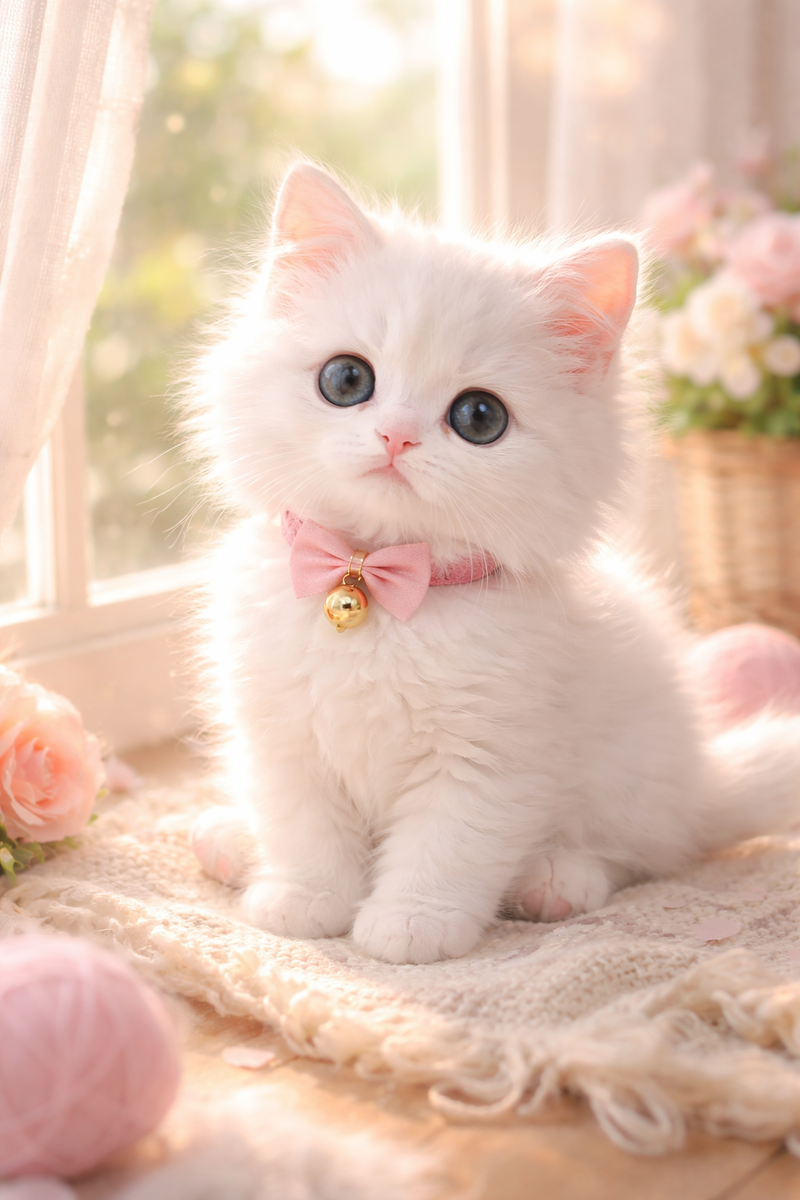
違い、わかるよね?
スタイル指定の基本ワード
写真風にしたい時
photorealistic- リアルな写真風photography- 写真portrait photography- ポートレート写真product photography- 商品撮影風cinematic- 映画のワンシーン風
イラスト風にしたい時
illustration- イラストdigital art- デジタルアートanime style- アニメ風watercolor- 水彩画風oil painting- 油絵風flat design- フラットデザインminimalist- ミニマリスト
雰囲気を指定する時
soft lighting- 柔らかい光golden hour- 夕方の黄金色の光dramatic lighting- ドラマチックな照明neon- ネオン調pastel colors- パステルカラーvibrant colors- 鮮やかな色muted colors- 落ち着いた色monochrome- モノクロ
【用途別】コピペで使えるプロンプト集
🎭 SNSアイコン用
シンプル&おしゃれ系
minimalist portrait of a young professional,
soft gradient background in pastel blue and pink,
clean and modern style, centered composition,
high quality, suitable for social media avatar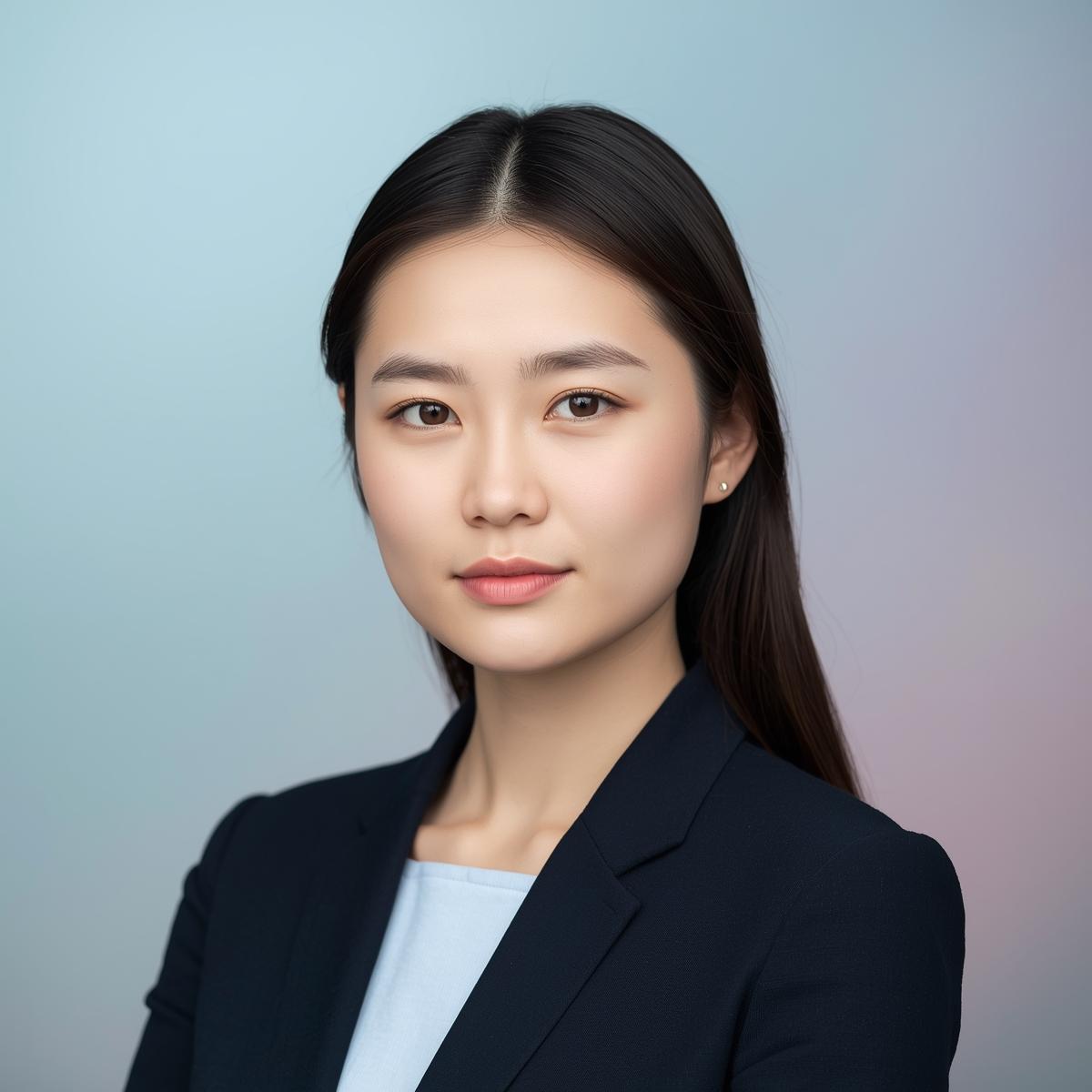
動物アイコン(柴犬の例)
cute shiba inu face, looking at camera with a gentle smile,
soft studio lighting, clean white background,
illustration style, warm and friendly expression,
circular crop suitable, high detail fur texture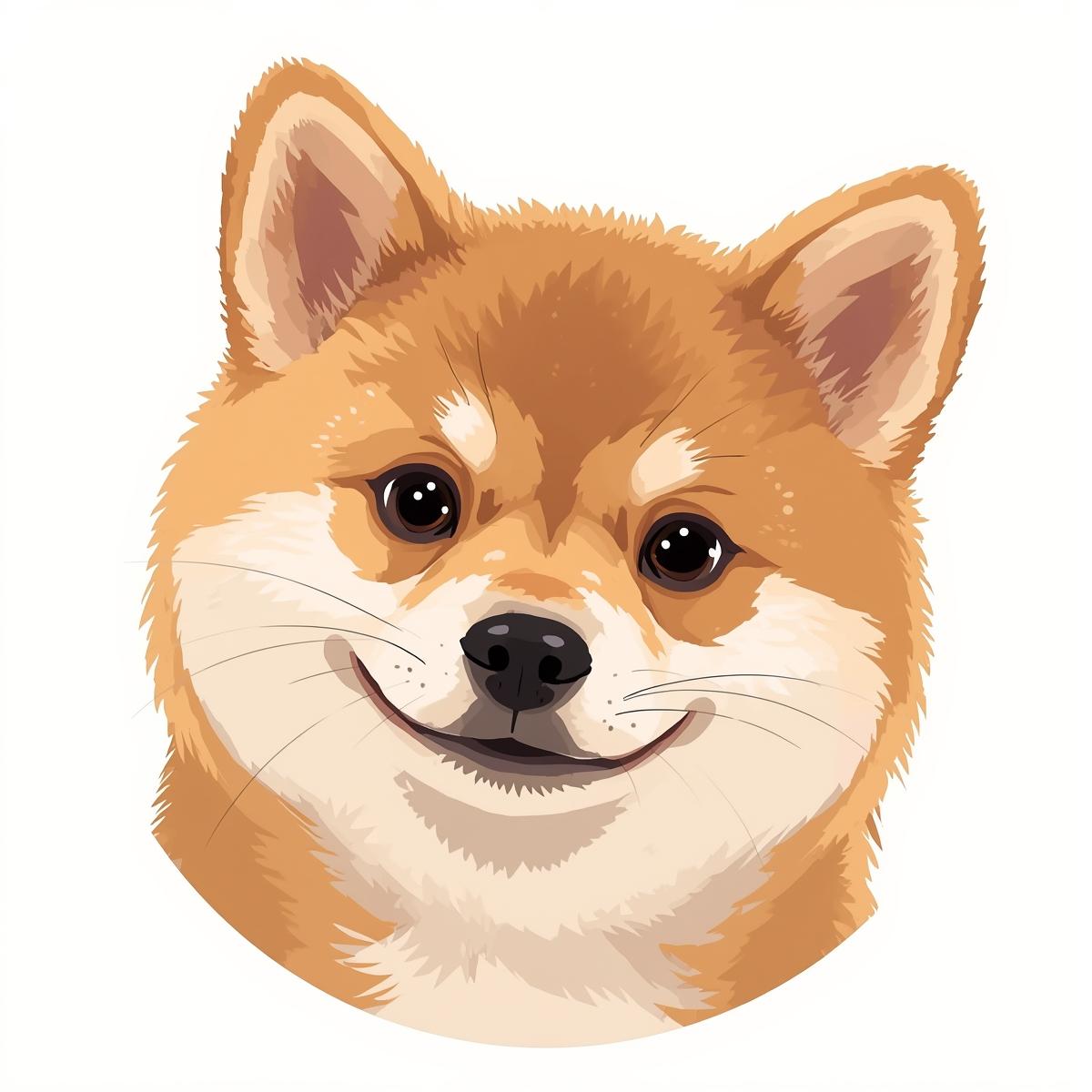
抽象的・アート系
abstract geometric portrait,
colorful polygons forming a human silhouette,
modern art style, vibrant gradient colors,
minimalist background, professional and creative vibe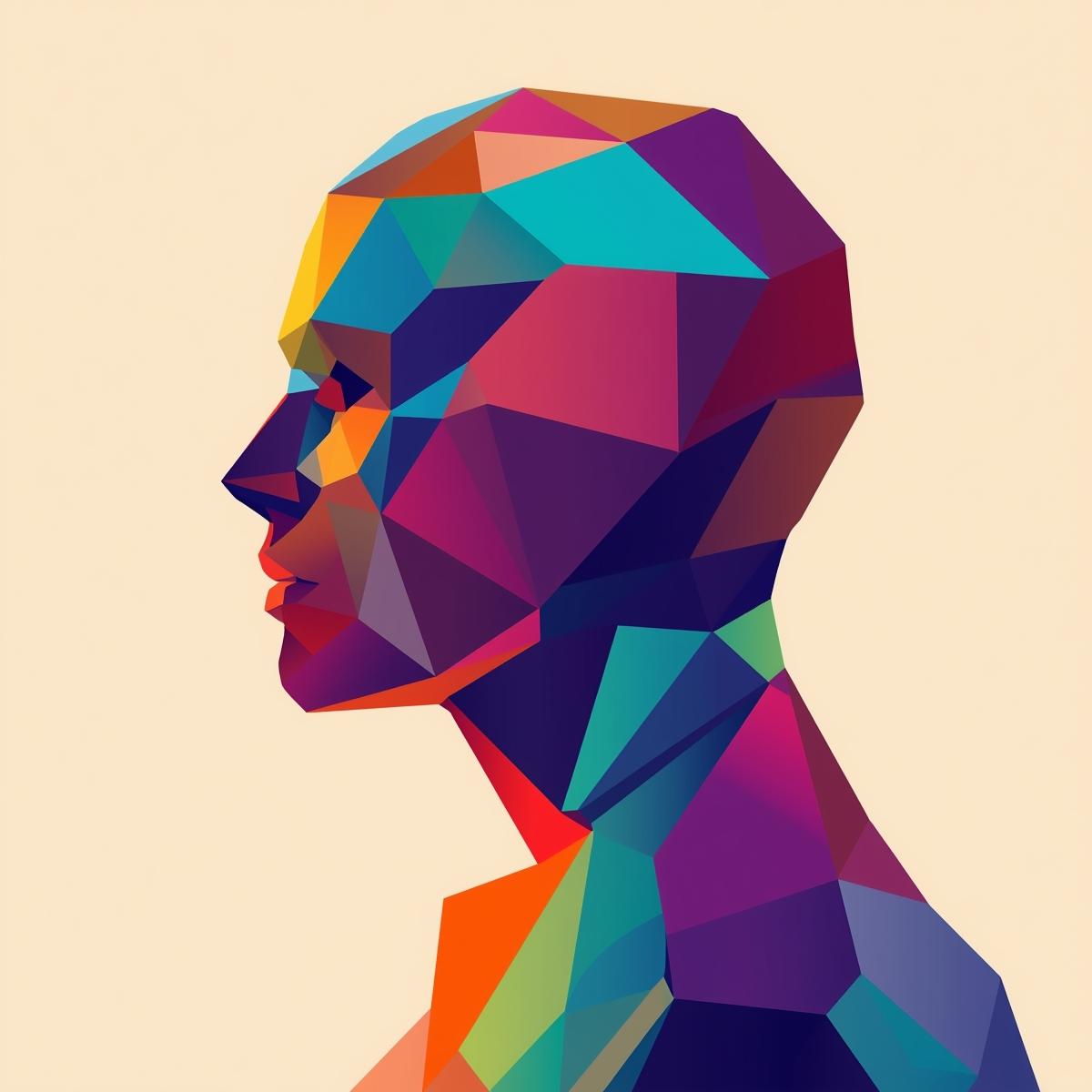
📱 SNS投稿画像用
ビジネス・仕事系
modern workspace with laptop and coffee,
clean desk setup, natural lighting from window,
minimalist aesthetic, productivity vibes,
soft shadows, professional photography style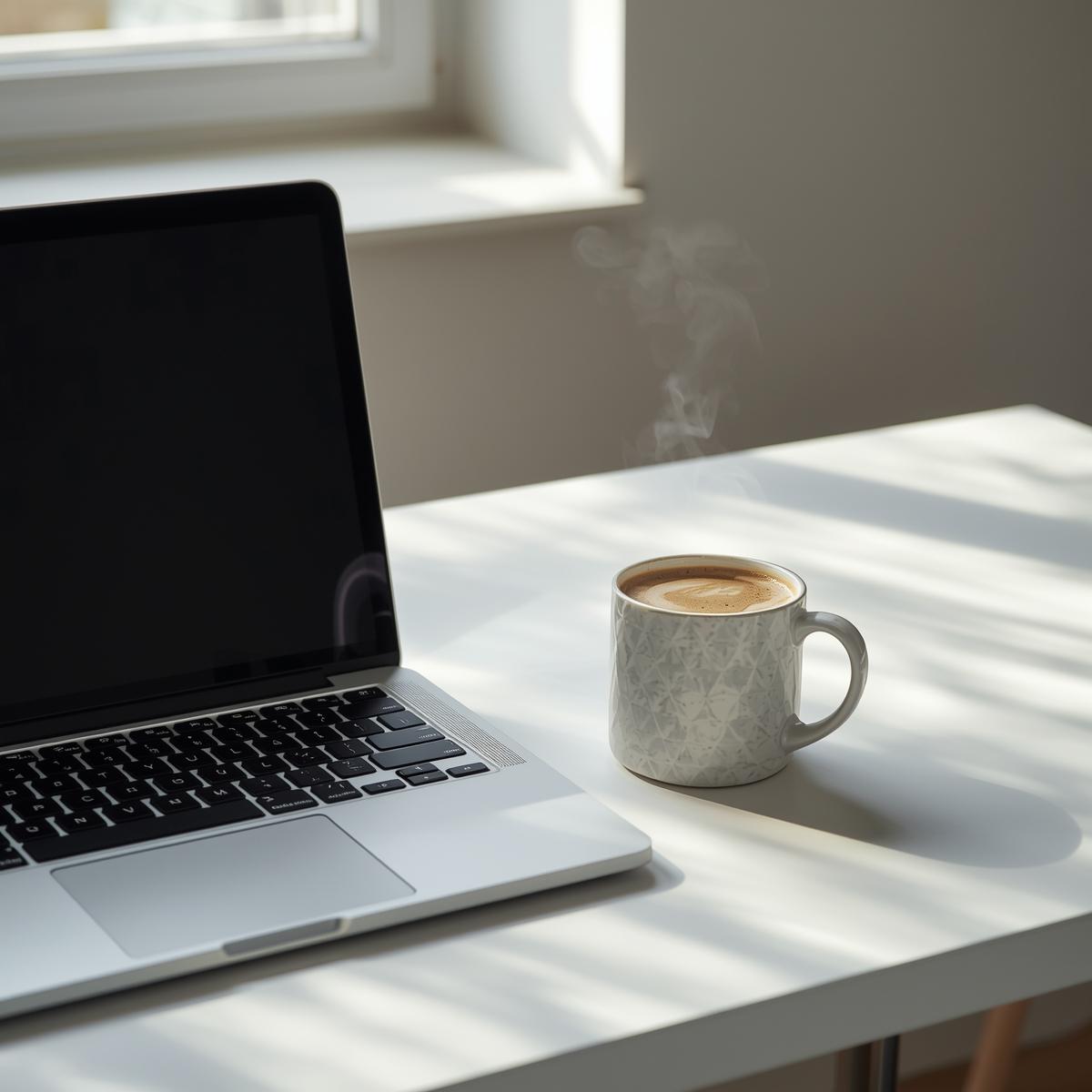
ライフスタイル・カフェ系
cozy coffee shop interior, warm ambient lighting,
latte art on wooden table, plants in background,
lifestyle photography, Instagram aesthetic,
soft and warm color grading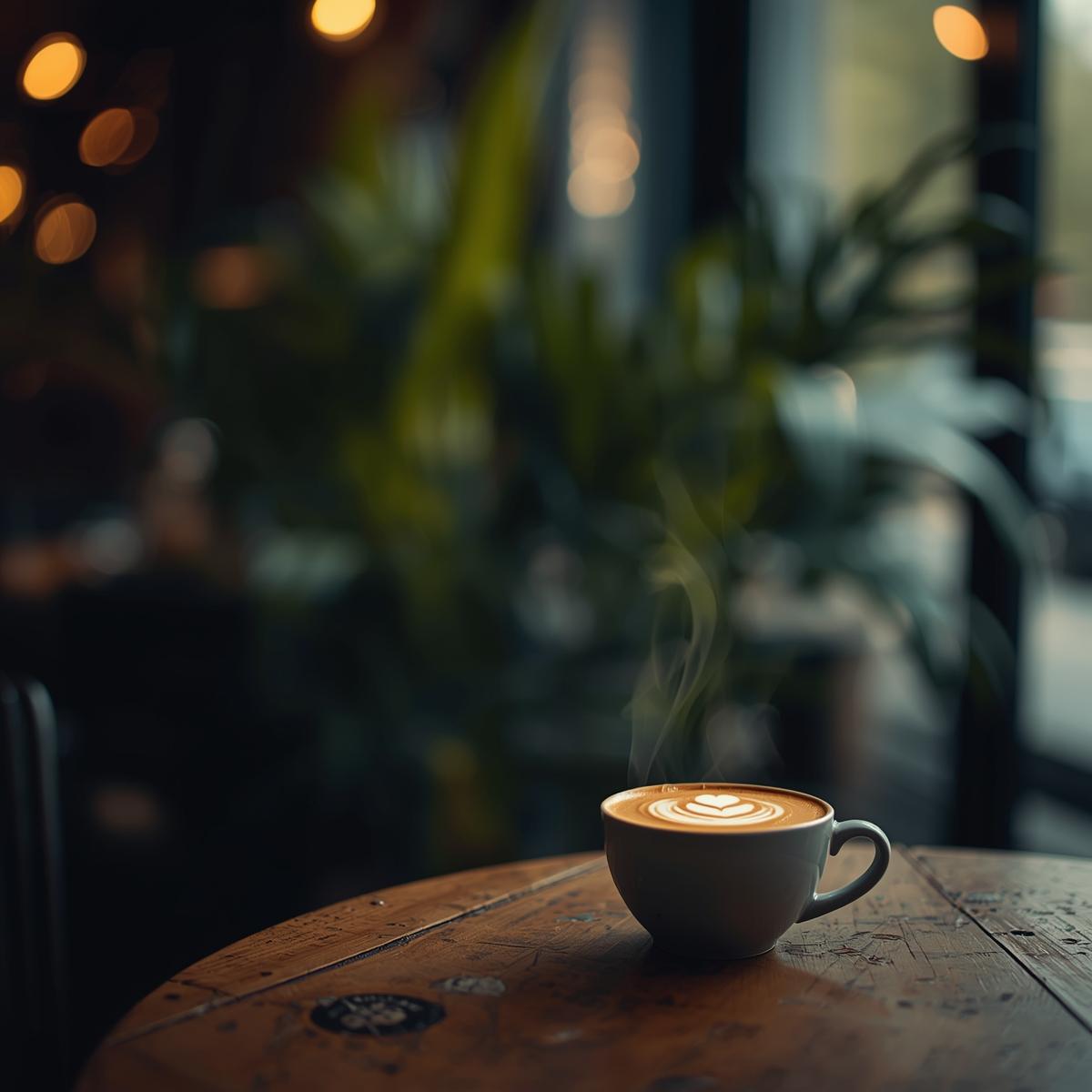
モチベーション・名言背景用
abstract gradient background,
smooth blend of [色1] and [色2],
subtle texture, modern and clean,
perfect for text overlay, 16:9 aspect ratio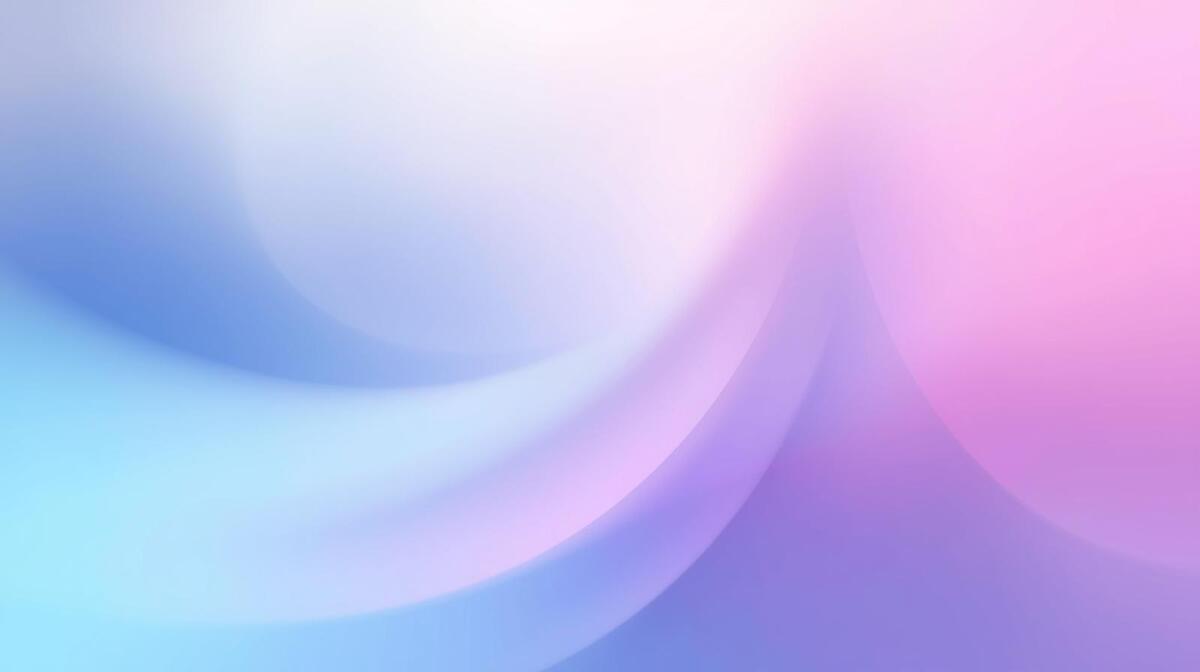
🖼️ ブログアイキャッチ用
テック・AI系
futuristic digital interface,
holographic displays floating in space,
blue and purple neon glow, tech aesthetic,
clean and professional, subtle circuit patterns,
16:9 aspect ratio for blog header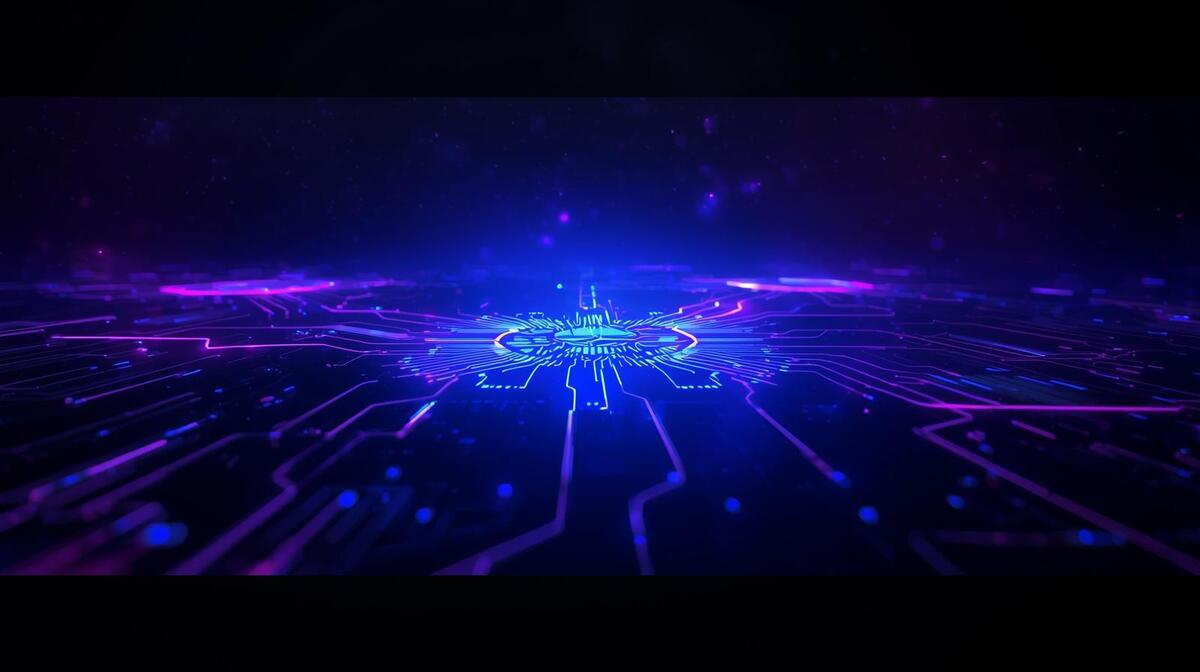
ビジネス・働き方系
professional team collaboration scene,
modern office environment, diverse group,
natural lighting, positive and productive atmosphere,
corporate but not boring, authentic feel
ハウツー・チュートリアル系
clean flat design illustration,
[トピックに関連するアイコンや要素],
pastel color palette, modern infographic style,
simple and easy to understand visual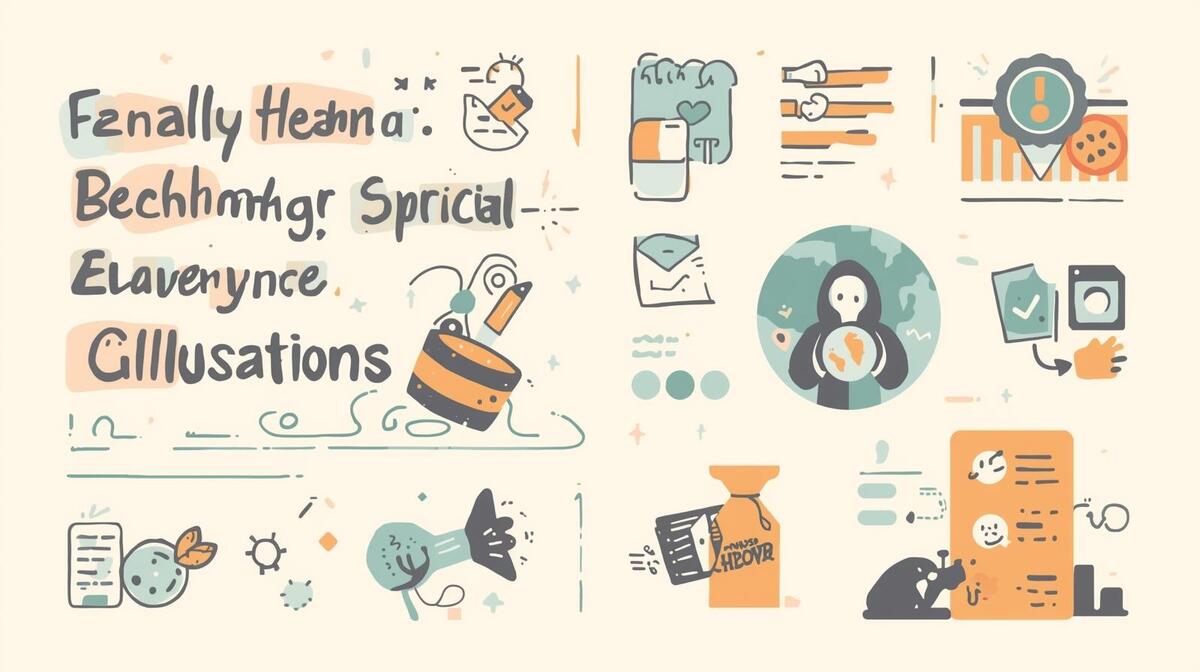
🛍️ 商品・サービス紹介用
商品写真風
[商品の説明] on clean white background,
professional product photography,
soft shadows, studio lighting,
high detail, commercial quality,
centered composition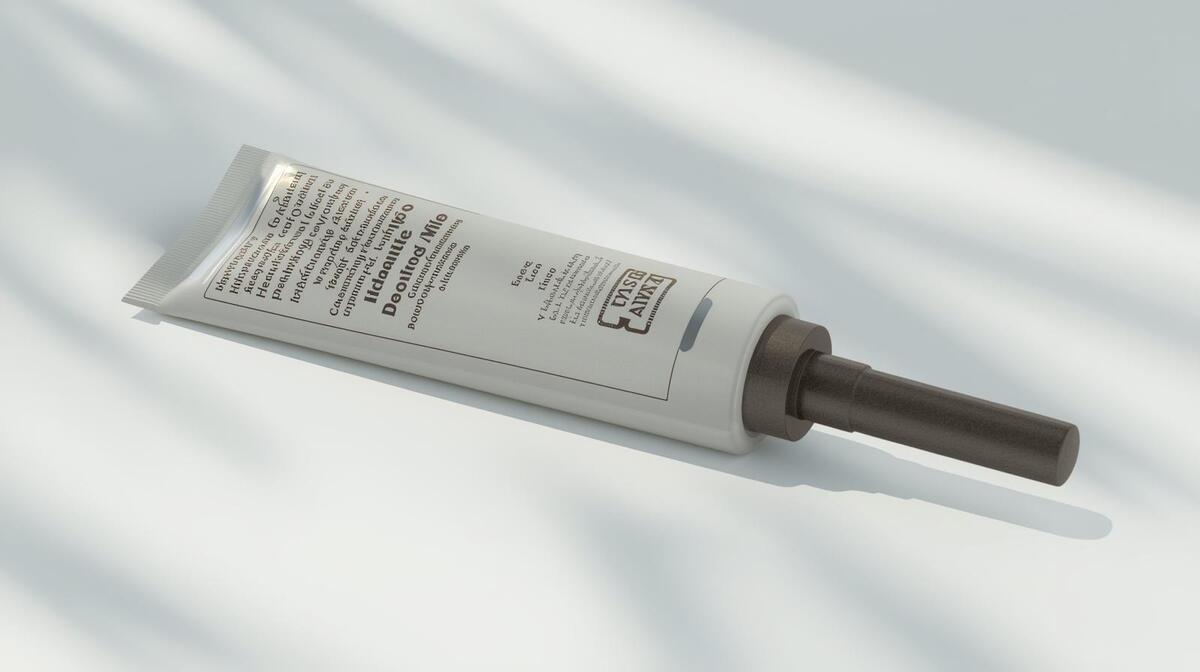
ライフスタイル風商品写真
[商品] in natural setting,
lifestyle product photography,
warm natural lighting,
contextual background showing use case,
authentic and aspirational feel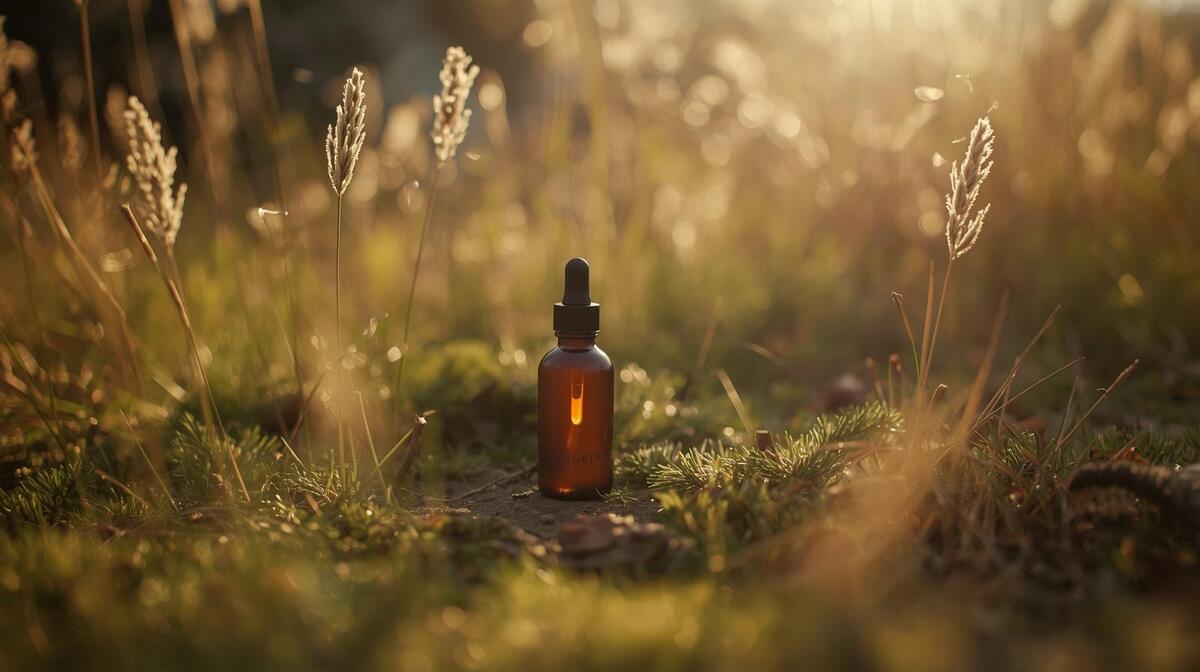
👤 架空の人物
ビジネスパーソン
professional Asian businessperson in their 30s,
wearing modern business casual attire,
confident and approachable expression,
clean office background with soft blur,
natural lighting, portrait photography style
カジュアル・親しみやすい系
friendly young person with warm smile,
casual clothes, natural outdoor setting,
golden hour lighting, candid feel,
approachable and authentic vibe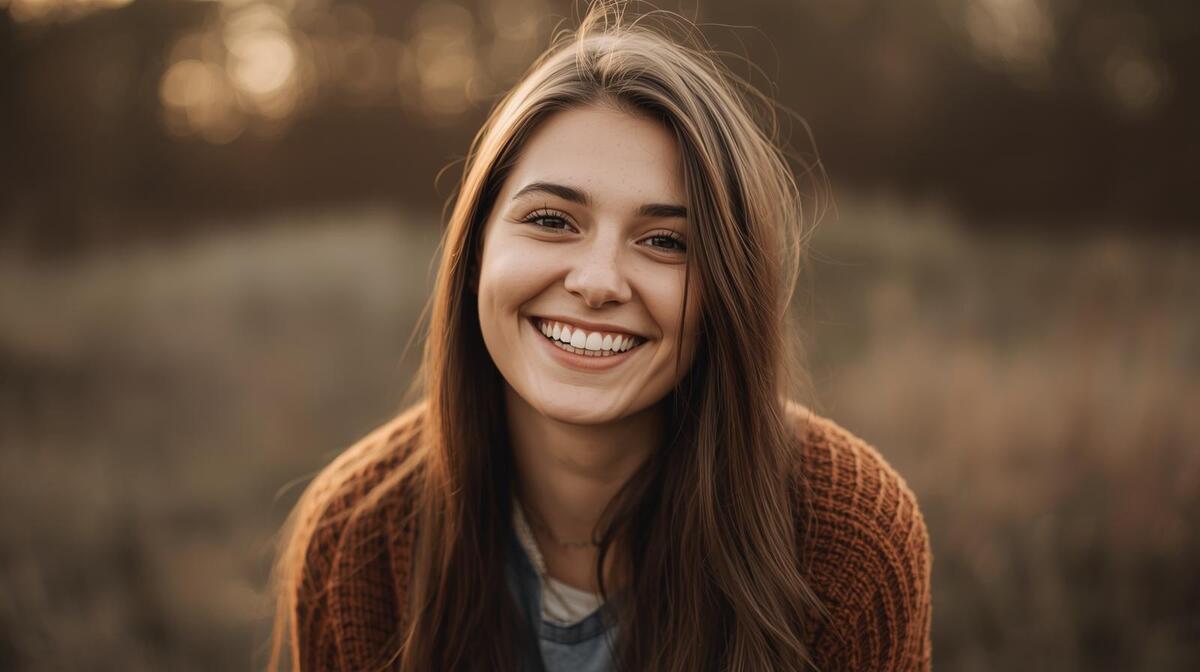
🔧 調整テクニック
出力が暗すぎる時
追加: bright lighting, well-lit, high key
出力が派手すぎる時
追加: muted colors, subtle, soft tones
もっとリアルにしたい時
追加: hyperrealistic, 8k, ultra detailed, RAW photo
もっとシンプルにしたい時
追加: minimalist, clean, simple composition, negative space
特定の要素を避けたい時(ネガティブプロンプト)
--no [避けたい要素]
例: --no text, --no watermark, --no blurry
ツール別の注意点
Midjourney
- 英語推奨(日本語も一応動く)
--ar 16:9でアスペクト比指定--v 6で最新バージョン使用/describeで画像からプロンプト逆生成できる
DALL-E 3 (ChatGPT)
- 日本語でOK、自然な文章で指示できる
- 「〇〇風の画像を作って」でも通じる
- 修正指示も日本語で「もう少し明るく」とかでOK
Ideogram
- テキスト入り画像に強い
- ロゴやバナー作成に最適
- 英語推奨
Canva AI
- 日本語対応
- SNS投稿サイズに最適化されてる
- 既存テンプレとの組み合わせが強い
よくある失敗と対処法
失敗①: 顔が崩れる
対処: detailed face, clear facial features を追加
失敗②: 手がおかしい
対処: 手が目立たない構図にする or 手を隠すポーズ指定
失敗③: テキストが読めない
対処: 画像生成後にCanvaやFigmaでテキストを追加する(AIに文字を描かせない)
失敗④: 毎回違う結果になる
対処: Midjourneyなら --seed [数字] で固定。詳細なプロンプトで再現性を上げる
実践: Before/After
お題: 「副業ブログのアイキャッチ画像」
Before(雑なプロンプト)
ブログ用の画像→ 何が出てくるかわからない...
After(具体的なプロンプト)
modern home office setup with laptop showing analytics,
person working from home, cozy and productive atmosphere,
warm natural lighting from window, plants and coffee cup,
lifestyle photography style, side hustle vibes,
16:9 aspect ratio, clean and inspiring
→ イメージ通りの副業感ある画像が生成される!
まとめ
画像生成AIは、センスじゃなくて言語化。
「こういう画像が欲しい」を細かく言葉にすれば、AIはちゃんと応えてくれる。
今日のアクション:
- 上のプロンプトを1つコピー
- ChatGPT(DALL-E)を開く
- 自分用にカスタマイズして試してみる
最初は上手くいかなくても、調整していけばどんどん精度が上がる。
「言葉で絵を描く」スキル、身につけていこう。
プロンプト画伯より
「センスじゃない、言語化だ」
- 3
- 0
元デザイナー → AI画像職人。絵心ゼロだったけどプロンプト極めたらなんとかなった。「センスじゃない、言語化だ」 使えるプロンプト&失敗例を晒していく
創刊メンバー募集 第1期・100名
AIの知見を、記事にして売る。
AimanaVoは実践者のAI活用ナレッジが集まる、書いて売れるメディアです。
販売手数料 標準13% 永続5%
他サービスとの併売OK・どなたでも応募できます
AimanaVoとは
こちらもおすすめ 自動 同じトピック・タグの記事から
-
AI脱社畜
- 5
- 0
-
 ゆず
ゆず
- 6
- 0
-
- 5
- 0
-
 nikutama
- 1
- 1
-
 nana
nana
- 6
- 0
-
 みほ
みほ
- 5
- 0
-
 ここな
ここな
- 5
- 0
-
 えま
えま
- 5
- 0
-
プロンプト画伯
- 5
- 0
-
- 3
- 0
-
コードを読まないAIエンジニア
- 5
- 1
-
- 3
- 0
-
 さくら
さくら
- 4
- 0
-
 ワンオペ育児×AI@まな
- 5
- 0
-
nana
- 3
- 0
-
- 3
- 0
-
- 5
- 0
-
- 5
- 0
-
nana
- 3
- 0
-
クロージング師匠
- 1
- 0
- もっとみる
コメント
ログイン か 会員登録 するとコメントできます